| Share |


|
Blog article posted April 2024 |
Map Extraction Tools for BattleTech: The Crescent Hawks InceptionDOSBox-based reverse engineering project to extract a high-resolution game map from the old 1988 DOS game BattleTech: The Crescent Hawks Inception. An automated tool walks over the entire game universe and stitches together a 16384x16384 map. Back in 1988 I played a game called BattleTech: The Crescent Hawk's Inception on my Commodore 64 and then on an MS-DOS 80286. It was a fun game because there was a huge universe to explore. The game included a paper map with a rough layout of the planet, and there was an inbuilt map that revealed the world as you walked through it, but I always wanted to view the entire planet in high-resolution.  
 
24 years later I was thinking about trying to build a visualization tool that could render the entire BattleTech universe on a modern computer. It could also be interesting to fly over the surface of it in a flight simulator. So I started reverse engineering the original MS-DOS 8086 BTECH.EXE to see how it worked. I created various tools that can modify save games to give you unlimited money, move the character around the planet, and render the layout of each town. I also created visualizations to inspect the DosBox emulator memory of the game to see what the data structures looked like internally, but found no map. The entire planet is actually procedurally generated, and does not exist even in memory when the game is running inside DosBox. Instead, as you move the character, the game calculates what that part of the world looks like (grassland, water, rocks), and then generates tiles for it based on an image atlas, and then renders it to the frame buffer. But the map does not exist as a nice array of tiles anywhere. So if you cannot get a map inspecting the memory, how can we view it outside the game? 
I have built a specially modified version of DosBox that I used previously for modifying Flight Simulator 4 to run on multiple monitors. This modified version includes the ability to control the BTECH.EXE game inside DosBox, move the character around, and capture screenshots along a grid. The screenshots are cropped to remove the game artwork and saved with the capture coordinates. The BTECH.EXE has been patched into MAPWALK.EXE, which removes the character artwork to keep it out of the screenshots, prevents building and water collisions, and allows DosBox to inject keyboard arrow keys to move the character uninterrupted. The game is now under full control of the modified DosBox. The modified DosBox starts from the northwest corner, moving the character from west to east across a map, monitoring the memory location for the coordinates. When the character reaches the east edge, it travels one unit south, then travels west to east. You keep sweeping back and forth until you hit the bottom corner. This takes a few hours and there are glitches in the game so you need to do restart the run until you get a complete capture of all locations. The stitching tool then builds up a 16384x16384 internal memory array, and loads each screenshot into the correct location. It checks that overlapping pixels are aligned correctly, and any holes in the final output are emitted as coordinates to be retried until the image is complete. The final image is then saved as an 8-bit PNG with compression which you can view here. 
|
16384x16384 UniverseThe final result is a 16384x16384 8-bit image that consumes 256 MB of memory, and at least 768 MB of memory to actually render as RGB. But once loaded, you can zoom and move freely through the image. Zoom in enough and you can see the game as it looked at 320x200 on the old MS-DOS machine. (this preview is scaled in the browser and may take time to render, download it locally for full detail) 
|
Low-Res Map PreviewThe game also included a map preview at low resolution, which was concealed from the player until you have walked everywhere in the map. After patching the savegame to reveal the entire map, I capture screenshots and stitched these maps together to produce a single image at 1032x960. 
Before this project, the best map preview was this grainy 492x575 GIF from sarna.net. |

mtp2png DecoderThe game includes MTP files that define each town you can visit. These images are the result of the MTP2PNG conversion tool that decodes and renders them. 


hacks/addmoneyModifies save game files to give the character the maximum amount of money. hacks/movexyModifies save game files to move the character to any location in the planet. hacks/show-map-savegame.shModifies save game files to remove the fog and reveal the entire map preview. |
Source Code and LicenseThe source code for the utilities runs on Ubuntu 22.04 and is available on GitHub at https://github.com/waynepiekarski/battletech-maps and the modified DOSBox is an extension of the patches I made for FS4 https://github.com/waynepiekarski/fs4-dosbox. The extraction utilities are licensed under the GNU GPLv3. |
| Share |
|
Blog article posted April 2024 |

Google Developer Advocate 2014-2023
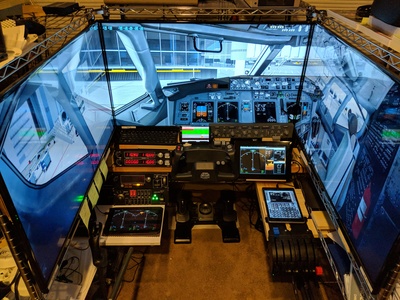
X-Plane plugins and apps for flight simulation
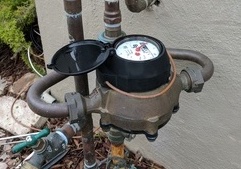
IoT water meter monitoring
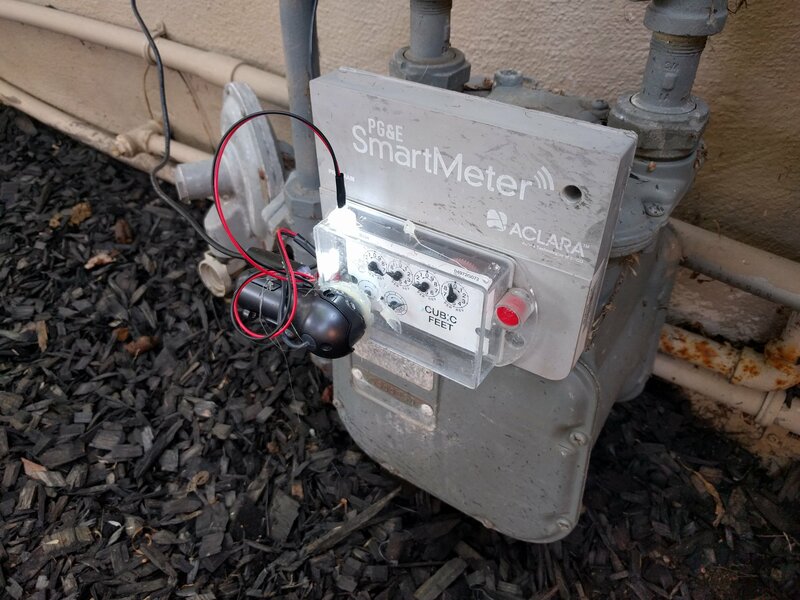
IoT computer vision monitoring
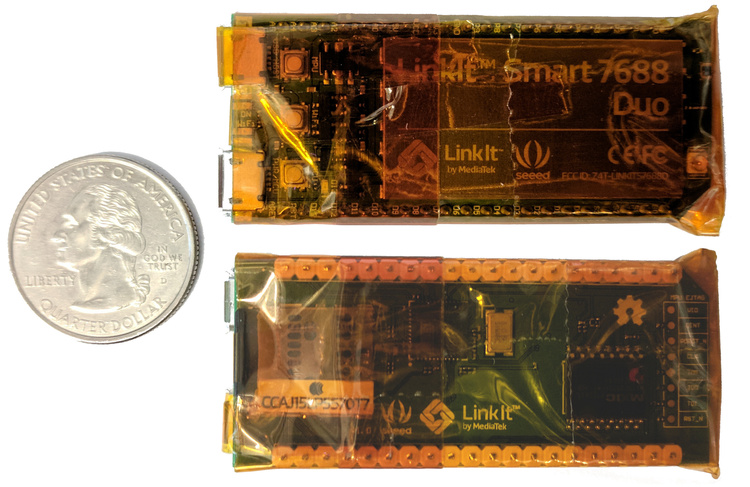
Tiny and cheap offline Wikipedia project 2017
Outdoor augmented reality research
Tinmith 1998-2007
Outdoor augmented reality 3D modelling
Tinmith 1998-2007
Outdoor augmented reality gaming
ARQuake 1999-2007
Scanned physical objects outdoors
Hand of God 3D 2006